Automation lessons: Fix workflows first for construction teams

Optimize the process before you automate it, design every automated step so its failure can be seen, and keep a named person accountable for verifying the output. Start by mapping the workflow, run a short pilot on a high-value task, and add an independent checking mechanism from day one. The DWP Digital robotic process automation case shows what a disciplined pilot can return.

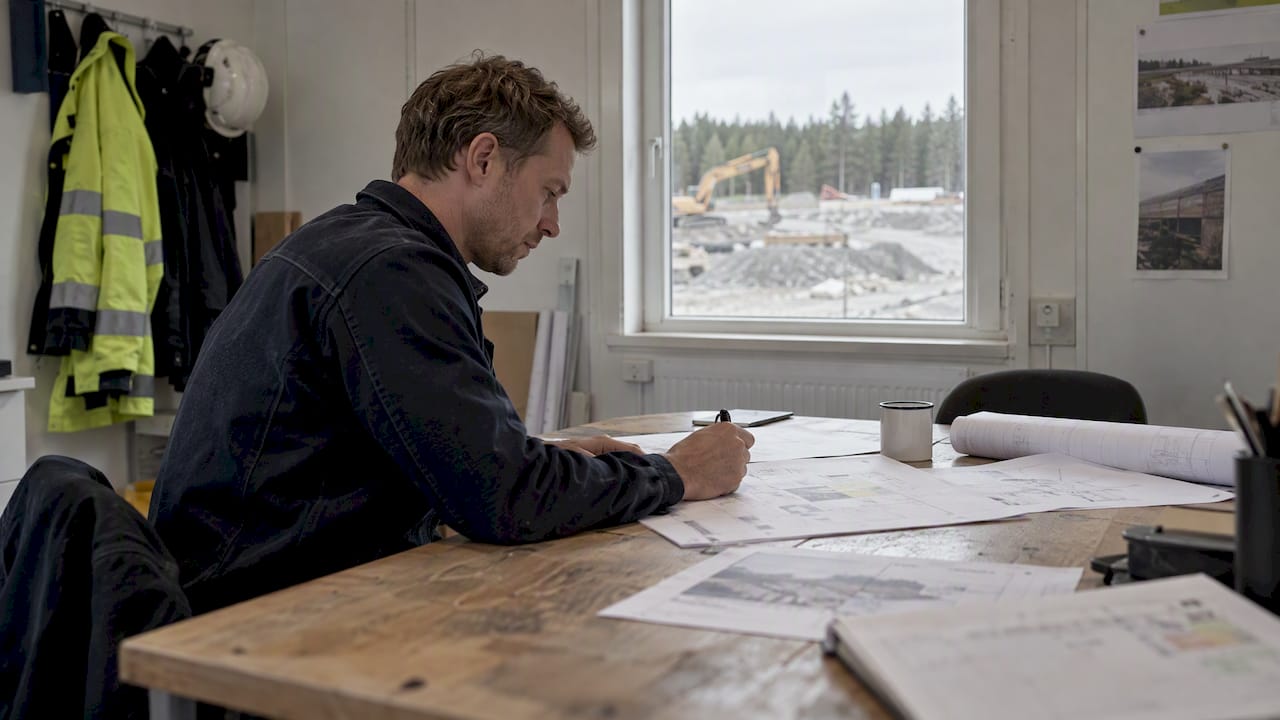
Engineer reviewing a construction workflow sequence
  • DWP Digital implemented its pilot in 12 weeks and cleared a 30,000 claim backlog in two weeks, reporting a 15:1 return on investment.
  • When errors carry high costs, require human confirmation; systems that act automatically reduce workload but make failures harder to detect than systems that recommend.
  • Record cycle time and error rate before launch, then track time saved, throughput, caught errors, time to value, and adoption against those starting figures.
  • Keep pilots narrow and target measurable results within roughly 8 to 12 weeks; expand only after acceptance criteria and performance measures hold.
  • Document recovery steps outside the automation, and use circuit breakers, throttles, and rollback paths to prevent retries from multiplying one fault.

What do real-world automation programs teach us?

The most consistent lesson is sequence. Automating an inefficient process multiplies waste and reduces long-term value, so the manual process gets fixed before it gets digitized. Teams that skip this step end up with a fast version of a bad workflow.

The second lesson is that automation works best as a partnership. The Defra digital team describes human-automation teaming as automation taking repetitive tasks while people apply higher-level skills, with humans involved in testing and verification to build trust.

The third is that people over-trust machines. A systematic review of automation bias found that bias and complacency are reduced by training, accountability, adaptive design, visible confidence levels, and presenting information rather than commands.

What this means in practice:

  • Optimize first. Map and simplify the manual workflow before any tool touches it.
  • Keep humans in the loop. People test, verify and sign off on outputs.
  • Show confidence. Outputs carry a confidence signal and a traceable source.
  • Match the degree of automation to the risk. Research on automation degrees shows that implementing actions automatically reduces workload but makes failures less likely to be detected than when the system only recommends them.
  • Add a checking tool. In experiments, voluntary checking tools improved failure detection, though automation users were still slower to intervene than manual operators.

DWP Digital reported an automation pilot implemented in 12 weeks that cleared a 30,000-claim backlog in 2 weeks, with a 15:1 return on investment. The point is not the headline ratio. A narrow, well-understood workflow produced measurable value fast.

Pro Tip: Treat the checking mechanism as part of the automation scope, not an afterthought, so detection is budgeted from the first sprint.

How do you build resilient automation step by step?

Resilience comes from decisions made before the first line of configuration. The order below keeps value and recoverability together.

  1. Map the process. Record each step, the exceptions, the current cycle time and the current error rate. Without a baseline, you cannot prove improvement later. Our piece on mapping systems before integrations shows how this looks in construction software.
  2. Decide the degree of automation. Choose whether the system recommends or acts, and write acceptance criteria and KPIs for each case.
  3. Build visibility. Surface confidence levels, give reviewers an independent way to check outputs, and keep logs that show what the system did and why.
  4. Document the logic outside the automation. Practitioner guidance from the defense innovation community says to design for failure recovery early, because failures can be more complex than the manual task they replaced. Write runbooks that a person can follow when the system stops.
  5. Pilot, measure, iterate, scale. Keep the pilot small, aim for results within roughly 8–12 weeks, and widen scope only after the numbers hold.

Field teams often discover their real exceptions only during mapping. The mobile-first rollout from Dirt Champ is a practical example of digitizing site paperwork in a way that supervisors actually use. For structural and BIM work, Xponexus describes AI and BIM automation approaches aimed at engineering practice.

Pro Tip: Write the acceptance criteria before the pilot starts, so nobody redefines success after seeing the results.

How do you measure outcomes and show ROI?

Measurement is where many automation programs lose their sponsors. Pick a small set of indicators before the pilot begins and report them in plain business terms.

  • Time saved per task, compared with the baseline you recorded during mapping.
  • Throughput, meaning how much work clears in a given period.
  • Error rate, including errors caught by the checking mechanism.
  • Time to value, from kickoff to the first measurable result.
  • Adoption, measured by how many people use the output without working around it.

Keep pilots narrow. Staffordshire County Council’s RPA examples emphasize a clear vision, in-house expertise, collaboration and change management, and report notable hours saved and measurable short-term benefits.

The DWP pilot took 12 weeks to implement, against a historical 40 weeks, which makes it a useful benchmark for time to value. Use it as a yardstick for your own timeline, not a promise.

When you report, favor a one-page dashboard and a short summary tied to a business outcome, such as a cleared backlog or faster invoicing. For finance audiences, our guidance on proving AI ROI for construction CFOs covers how to frame it.

Which pitfalls undermine automation after launch?

Most damage appears after deployment, when attention moves on. Several failure modes recur, and each has a direct counter.

  • Automation bias and complacency. Reviewers stop checking. Counter it by showing reasoning and confidence levels, and by requiring human confirmation wherever the cost of a wrong output is high.
  • Deskilling. InfoQ’s analysis of unintended consequences lists deskilling, harder incident recovery and reduced visibility among the side effects. Counter it with scheduled manual practice, role rotation and scenario drills.
  • Opaque automation. When nobody understands the logic, recovery stalls. Counter it with documented logic, readable runbooks and stored sources for every output. Our work on audit-ready QA/QC automation shows how traceability and human sign-off coexist.
  • Cascading failures. One fault triggers retries that amplify the problem. Counter it with circuit breakers, throttles and a clear stop-and-rollback path.

The review of automation error management frames the human task as detection, explanation and correction, and notes that reliability, feedback and training shape how well people recover. Build each of those three steps into the design rather than hoping they emerge.

Pro Tip: Run failure drills in which a reviewer must find a deliberately planted error. If nobody finds it, the checks are decorative.

How do training and governance keep automation valuable?

Automation holds its value only when the people around it stay capable. Training and governance are how you keep them so.

  1. Train for failure. Include detection exercises and recovery drills, so staff can spot and handle automation errors rather than only operate the happy path.
  2. Assign accountability. Verification becomes part of someone’s job description, with clear reporting lines, which the automation bias research identifies as a mitigator.
  3. Hold a review rhythm. Schedule KPI reviews, incident post-mortems and periodic re-optimization of the underlying process.
  4. Plan for continuous evaluation. A deployment is a starting point. Reassess the degree of automation as data, regulations and projects change.

For regulated engineering checks, our notes on compliance checks that keep audit proof show how governance and automation fit together.

Three priorities for taking automation from pilot to scale

Leaders tend to over-invest in tooling and under-invest in clarity. Process clarity, visible checks, documentation and training can help a pilot scale. A small pilot on a well-understood workflow can be easier to assess than an ambitious program on a murky one. Every flow needs a point where a person can see what happened and say no. Documentation and training can help people understand the system and recover from failures.

Why does a construction-focused automation platform shorten the path to value?

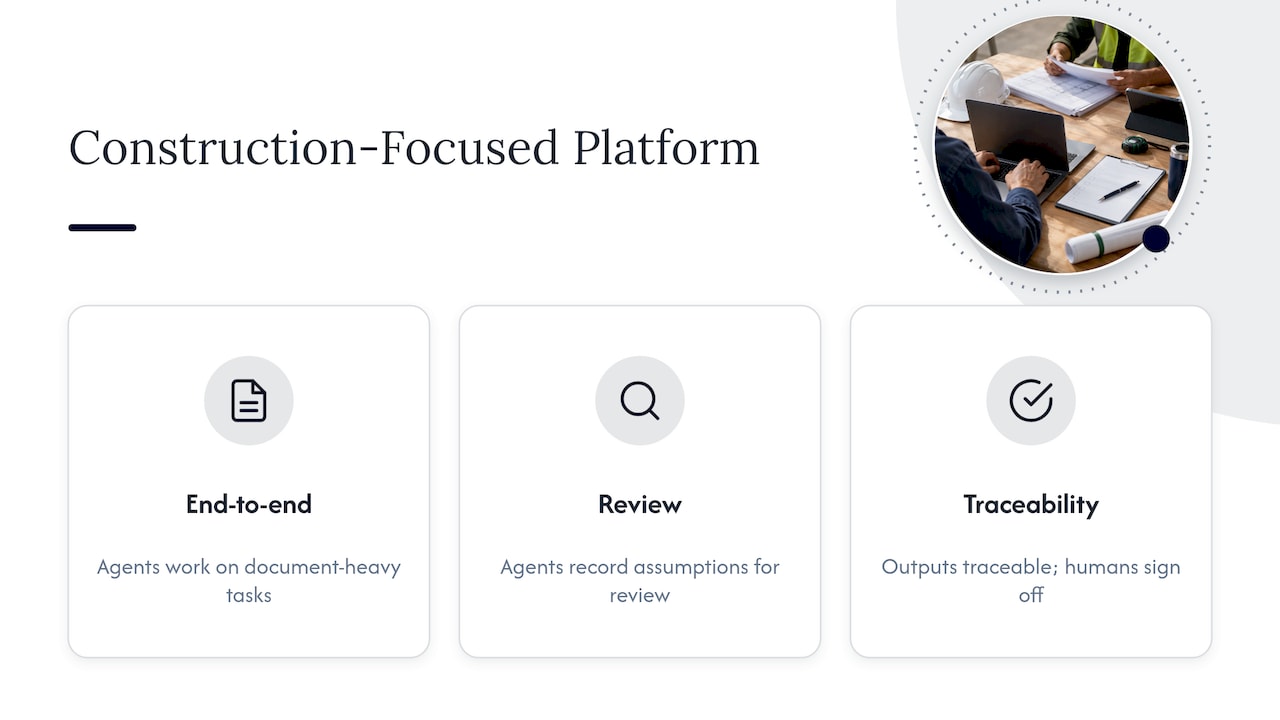
Generic tools leave your team to supply domain knowledge, regulations and document formats. We built Yesper as an AI civil engineer for construction and infrastructure, so our agents work end-to-end on document-heavy tasks, record their assumptions for review, and keep outputs traceable to sources, with humans signing off. That focus shortens the road from the first workflow to usable results. To see how it works, book a demo.

Why does a construction-focused automation platform shorten the path to value? — overview diagram

What are the four types of automation?

A common classification lists fixed (hard) automation, programmable automation, flexible automation and, in many textbooks, integrated automation. Definitions vary by field, so check which taxonomy your organization uses before comparing vendors.

Why optimize a process before automating it?

Automating an inefficient process multiplies its waste and reduces long-term value. Mapping and simplifying the manual steps first gives you a clean baseline to measure against.

How can teams reduce automation bias?

Show confidence levels, present information rather than commands, and make verification someone’s accountable duty. A systematic review found that training, accountability and adaptive design mitigate bias and complacency.

How do you catch automation failures sooner?

Give reviewers an independent, simple way to check outputs. In experiments, voluntary checking tools improved failure detection, although intervention could still be slower than in manual work.

This post was written with AI assistance and published by Yesper. General information, not professional advice: requirements vary by project and jurisdiction, and the professional responsible for the project decides what applies. Spotted an error? Write to benjamin@yesper.ai.

Benjamin Glaser Co-founder at Yesper. Writes about AI and the industry that builds the world. benjamin@yesper.ai

Yesper is the AI civil engineer for construction and infrastructure. AFRY, COWI, NRC Group and other Nordic firms use it to halve the time on a study, rerun calculations in minutes, and catch errors that would otherwise slip through. Get in touch if you'd like to see what it can do for you.

Book demo