Construction teams: Keep human sign off with AI for BIM, the 30% rule
AI now meaningfully speeds up scan-to-BIM conversion, model classification, clash detection triage, quantity takeoff and early-stage design optioneering, though every one of these workflows still requires a human to check the output. Adoption is accelerating but uneven: RICS’ 2025 survey finds many firms piloting AI while only a fraction have embedded it across multiple processes. A construction-specialist tool like Yesper is one option firms weighing this transition now consider, alongside general-purpose plugins already built into common BIM software.
Benjamin Glaser
26 September 2026 · 8 min read
In short
AI accelerates scan-to-BIM extraction but still struggles with complex, occluded, or irregular geometries that require human correction.
Automated classification and clash detection now prioritize severity and impact, reducing manual review time but rely on model quality for accuracy.
Tools like Yesper, designed specifically for construction, handle document search, compliance, and quantity takeoffs more reliably than general-purpose AI.
Implementation requires careful governance, including mapping tasks to AI or human approval, maintaining audit logs, and ensuring data security.
Vendor evaluation should focus on transparency, error rates, and understanding of construction workflows to minimize risks and ensure reliable deployment.
01
Key AI use cases in BIM: What actually works in practice
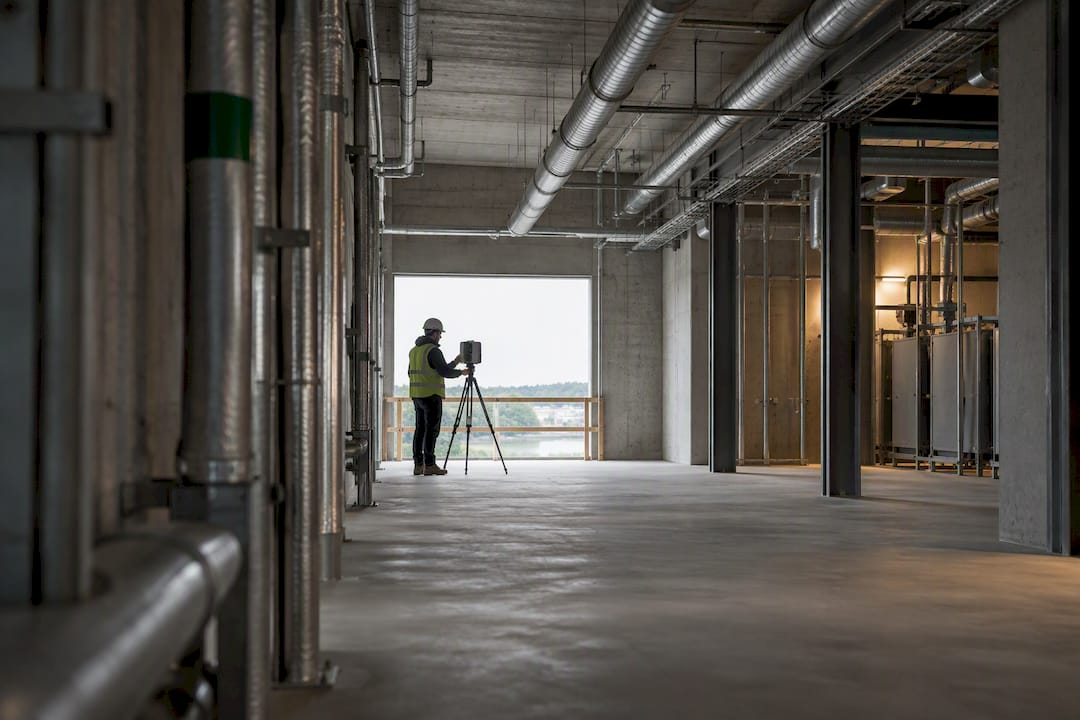
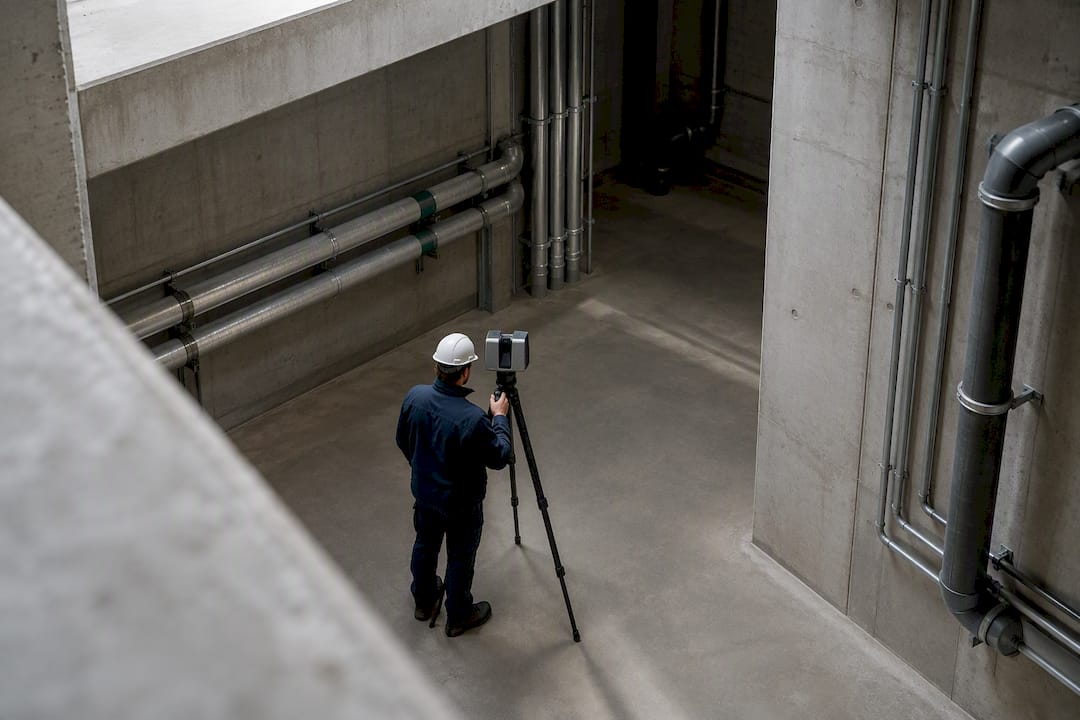
Scan-to-BIM tools now extract walls, pipes and structural elements from point clouds with enough reliability to cut modeling time substantially on straightforward geometry, though curved surfaces, occluded areas and cluttered mechanical rooms still trip up automated extraction and need a modeler to correct the result. Automated classification tools can assign families and parameters to unclassified elements in a single pass, turning a task that used to take a technician days into an afternoon of spot-checking.
Clash detection has moved from flagging every intersection to scoring clashes by severity and construction impact, so coordinators review a prioritized list instead of wading through hundreds of false positives. Quantity takeoff tools pull preliminary counts and cost-relevant data straight from the model, useful for early estimates but still constrained by model quality: a poorly modeled element produces a wrong quantity with total confidence.
Design optioneering, generating and rapidly comparing layout or system variants, is where the industry expects the largest near-term payoff.
Scan-to-BIM speeds element extraction but struggles with occlusion and non-standard geometry.
Classification tools handle routine family assignment well; edge cases still need a human eye.
Clash detection triage reduces manual review time by prioritizing severity over volume.
Quantity takeoff from BIM works best as a first pass, not a final number.
Design optioneering benefits from AI’s ability to generate and score many variants quickly.
Design optioneering, scheduling and progress monitoring rank among the application areas surveyed professionals expect AI to affect most, according to the NBS Digital Construction Report 2025. The common failure mode across all five workflows is the same: models trained on general data hallucinate plausible-looking but wrong answers when the input is messy or unusual. This is why every one of these tools still needs a defined human checkpoint.
02
Practical tools and workflows: How AI plugs into BIM platforms
AI shows up in BIM pipelines through a handful of recognizable tool categories rather than one universal product. Point-cloud processors turn scan data into geometry. Model-quality plugins check naming, parameters and clash conditions inside the authoring tool. Conversational assistants sit alongside the model and answer questions or make edits on command. Visual progress-tracking tools compare site photos or drone footage against the model to flag schedule drift.
Three integration patterns cover most deployments:
Local plugins that run inside Revit, ArchiCAD or similar software, useful for quick, low-risk checks a single user controls.
Cloud APIs that connect the model to an external service for heavier processing, such as point-cloud classification or large-scale clash analysis.
CDE-triggered pipelines that fire automatically when a model is uploaded to the common data environment, useful for standardized QA passes across a whole project team.
A prototype called DAVE demonstrates the second and third categories converging: a conversational assistant built on GPT that calls the Revit API directly to query or update elements from a text or voice command, logging each action for later review. In testing, it achieved a high success rate on single-function queries, though the researchers stress that prototype performance is not the same as production reliability. Everyday equivalents include running an automated QA pass before a submission deadline, drafting a first version of a specification section for an engineer to edit, or turning a meeting transcript into a tracked action list. Firms mapping their existing systems before adding automation tend to have an easier time, a step covered in more detail in guidance on construction software integrations.
03
Implementing AI for BIM: Governance, data readiness, and the 30% rule
Rolling out AI in a BIM workflow is less a software purchase than an operating decision, and the firms that get value from it treat it that way. The often-cited “30% rule” is not a formal standard; it is a rule-of-thumb framing that AI should handle routine execution while humans retain approval authority on anything above a defined risk threshold, as industry commentary on the concept explains. Treat it as an oversight framework, not a quota to hit.
A workable rollout checklist:
Map every candidate action and sort it into three buckets: AI can do it alone, AI drafts it and a named person approves it, or AI never touches it.
Assign a specific approver by name for each bucket, not a department.
Turn on audit logging from day one so every AI-generated action has a trail.
Clean model naming conventions and parameters before automating anything downstream of the model.
Align the common data environment structure with whatever tool ingests the model, since a mismatched folder structure breaks automated pipelines quietly.
Training needs differ by role: modelers need to understand what the tool corrects automatically versus what it flags, while project leads need enough fluency to sign off on AI-touched deliverables with confidence. A short pilot, reviewed monthly rather than left to run unsupervised for a quarter, catches governance gaps before they become habits. Data silos and security concerns are the two barriers that stall pilots most often; both are mitigated by deciding, before the pilot starts, exactly what data the tool touches and who owns that decision. Further detail on sequencing this rollout is covered in guidance on rolling out AI without creating shelf-ware.
Pro Tip:Pilot the highest-volume, lowest-risk workflow first, model classification or clash triage usually fits, so the team builds trust in the tool before it touches anything approval-sensitive.
04
How to evaluate AI for BIM: Selection criteria and questions to ask
Selecting a tool comes down to six axes: fit for the specific task, integration with the existing authoring and CDE stack, traceability of every output back to its source, accuracy under realistic (not cherry-picked) conditions, how the vendor handles project data security, and whether the vendor’s team actually understands construction workflows or is applying a general model to a new market.
Ask vendors directly:
Can the tool show its source and reasoning for every generated output, not just the final answer?
What happens when the model or drawing set is incomplete or inconsistent?
Who owns the audit trail, and can it be exported for a client or regulator?
What is the tool’s error rate on tasks similar to yours, not on a generic benchmark?
Red flags include vendors who cannot describe a specific failure mode of their own tool and demos that only ever run on clean, pre-selected data.
05
Sector-focused option: How a construction-specific AI is positioned for BIM workflows
Yesper is built specifically for construction and infrastructure work. It works inside a project to search documents, run regulatory compliance checks, produce quantity takeoffs from BIM models and drawings, and generate full deliverables such as reports and tenders while writing down its assumptions for review. That domain focus matters most on tasks where a general model has no grounding: producing a geotechnical report from raw CPT protocols, or reconciling quantities across a BIM model and a dozen tenders in different currencies is where sector-specific tools tend to hold up better than general ones as complexity rises. Teams typically look at a tool like this for tender review, compliance checking and automated report drafting, the document-heavy tasks that eat the most engineering hours.
06
Author perspective: Realistic expectations and next steps for BIM teams
Pilot one workflow, measure the time it actually saves, and only then expand. Design optioneering and other early-design applications deserve priority since survey data points to them as the highest near-term payoff. AI augments a BIM team; it does not replace the engineer’s sign-off, and traceability matters more than speed.
07
How to explore a construction-focused AI solution
Yesper is built for construction and infrastructure teams specifically, which is why it handles document-heavy, regulation-bound tasks that a general AI tool is not set up to handle. Its output comes with the assumptions written down, so an engineer reviews it the way they would review a colleague’s work rather than starting from a blank page.
Review how Yesper approaches project document search, compliance checks and automated deliverables on the Yesper platform page.
Read the company overview on the About page for background before reaching out.
For procurement-heavy workflows, dedicated bid-writing software can address the bidding side while Yesper handles compliance and takeoff work on the same project.
Industry explanations of the concept frame it as a phased-adoption test rather than a fixed percentage of tasks.
Which AI is best for Revit?
There is no single best tool; options range from plugins that run checks inside Revit to cloud-connected assistants that query or edit the model through the Revit API. The right choice depends on whether the task is a quick in-app check or a heavier process like classification or takeoff.
Can AI generate Revit models?
AI can generate elements and geometry from inputs like point clouds or design parameters, and prototype assistants have shown they can update Revit models directly through the API. Every generated model still needs a qualified reviewer before it moves forward in a project.
What is the best AI for construction design?
For document-heavy, regulation-bound design tasks such as compliance checks or tender-related deliverables, construction-specific tools like Yesper are built for that domain. For early-stage design optioneering, the field includes both general plugins and sector-specific tools, and fit depends on the specific workflow.
This post was written with AI assistance and published by Yesper. General information, not professional advice: requirements vary by project and jurisdiction, and the professional responsible for the project decides what applies. Spotted an error? Write to benjamin@yesper.ai.
Benjamin GlaserCo-founder at Yesper. Writes about AI and the industry that builds the world.benjamin@yesper.ai
Get news and articles in your inbox.
Unsubscribe anytime.
Yesper is the AI civil engineer for construction and infrastructure. AFRY, COWI, NRC Group and other Nordic firms use it to halve the time on a study, rerun calculations in minutes, and catch errors that would otherwise slip through. Get in touch if you'd like to see what it can do for you.