Latest updates
December 5, 2025 Update
Exciting new features 🤩
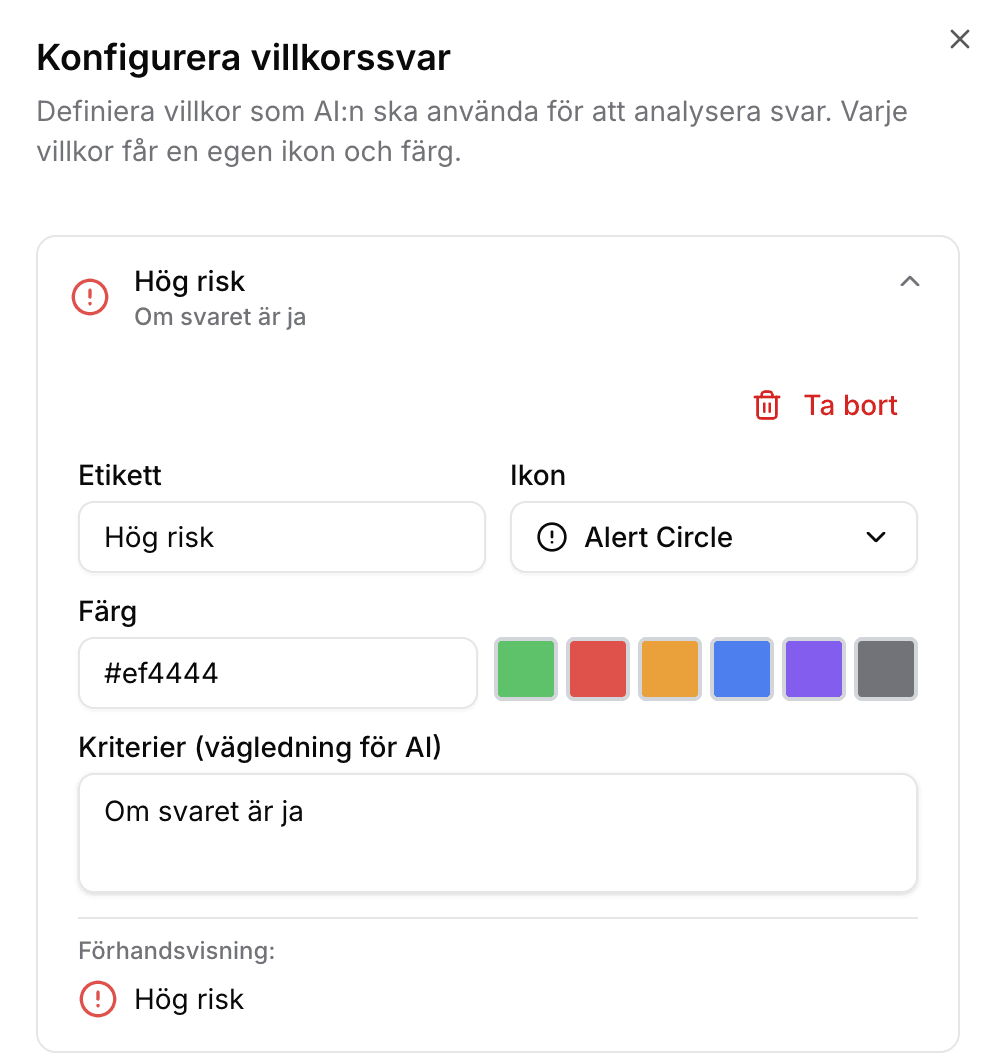
Set your own conditions for responses in your checklists - Major update to checklist functionality!
You can now create advanced response formats in your checklists.
For example, for a risk analysis, you can flag risks with a red warning and create a traffic light system that provides a clear and quick overview.
Improvements 🧠
The assistant is now more adept at choosing the right tool for the task - it can handle more tasks than before without having to pause and think, which accelerates your workflow.
November 28, 2025 Update
Exciting new features 🤩
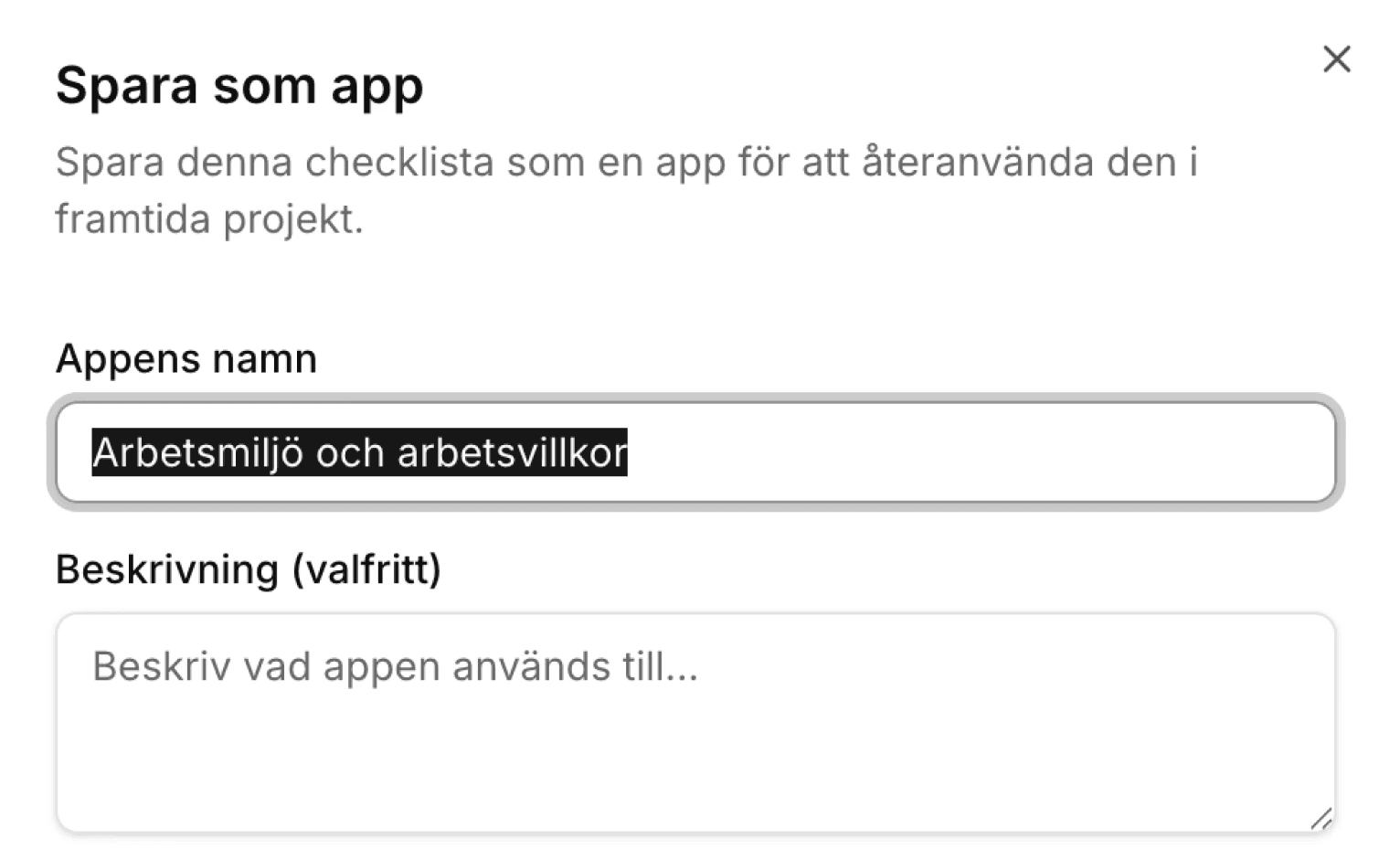
You can now create apps featuring intelligent checklists.
Improvements 🧠
Start your apps more easily with just a click directly from the Assistant's home view!
You can now add titles to tasks in your checklist, making it even clearer when in use!
November 27, 2025 Update
Big news!
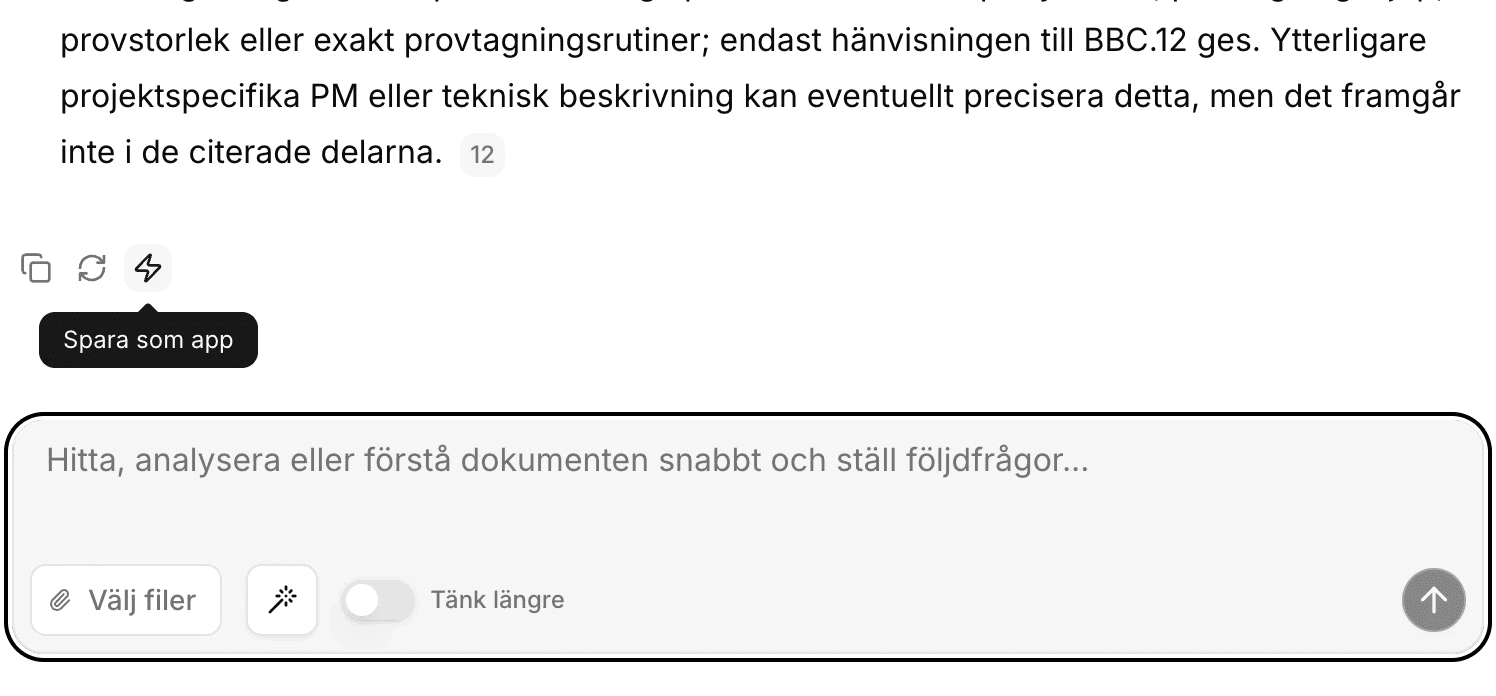
Now you can easily create your own AI apps and share them with others!
Build simple or intricate automations that you and your colleagues can run over and over again in any project.
Set who can see your apps, and easily improve them continuously or adjust them to keep them relevant as needs change.
November 23, 2025 Update
Improvements 🧠
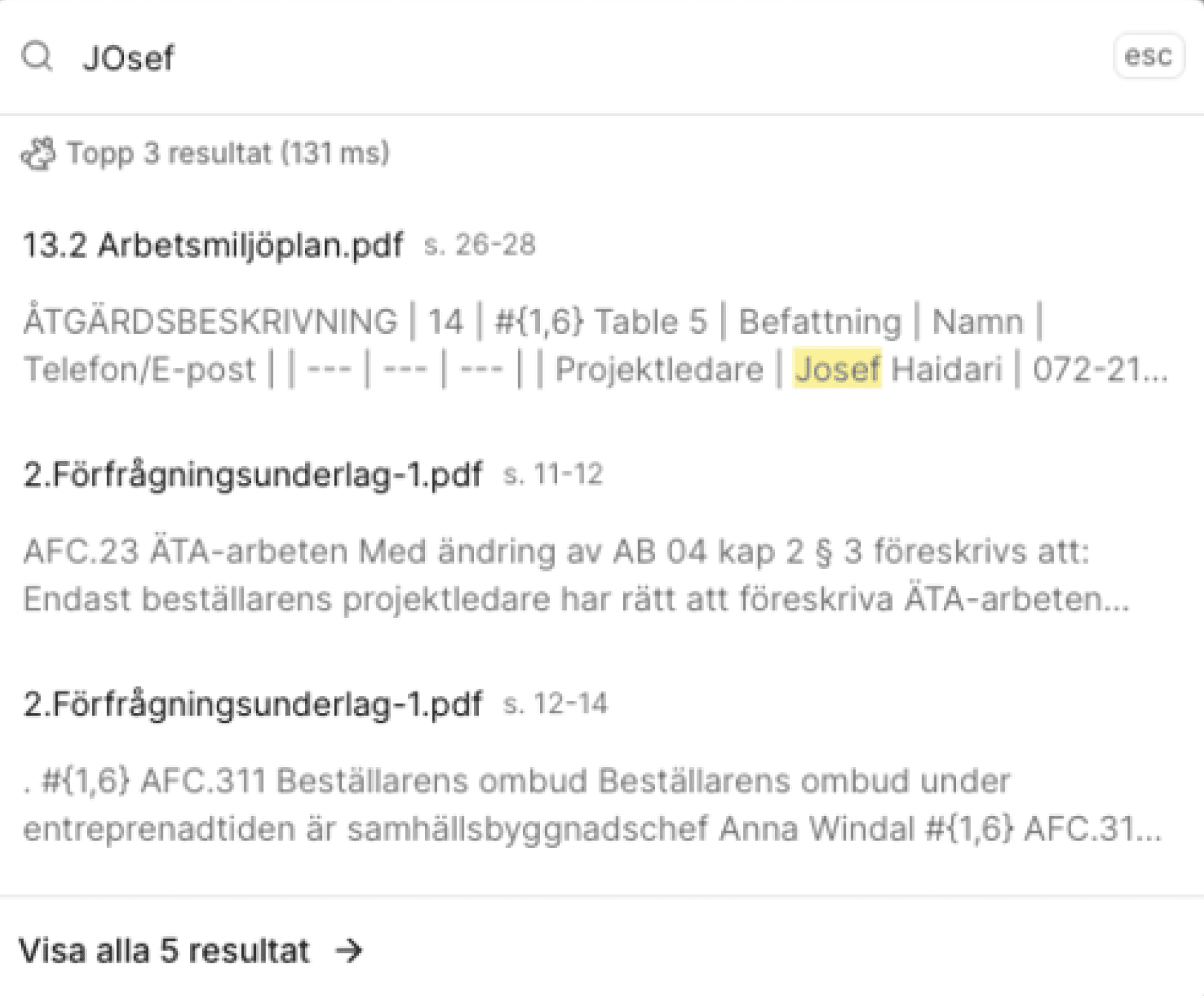
Quick Search - When you want to swiftly search for specific words, the Search function provides answers in less than 100 milliseconds - even in large projects. And now, it's even faster and finds answers before you've finished typing the whole word.
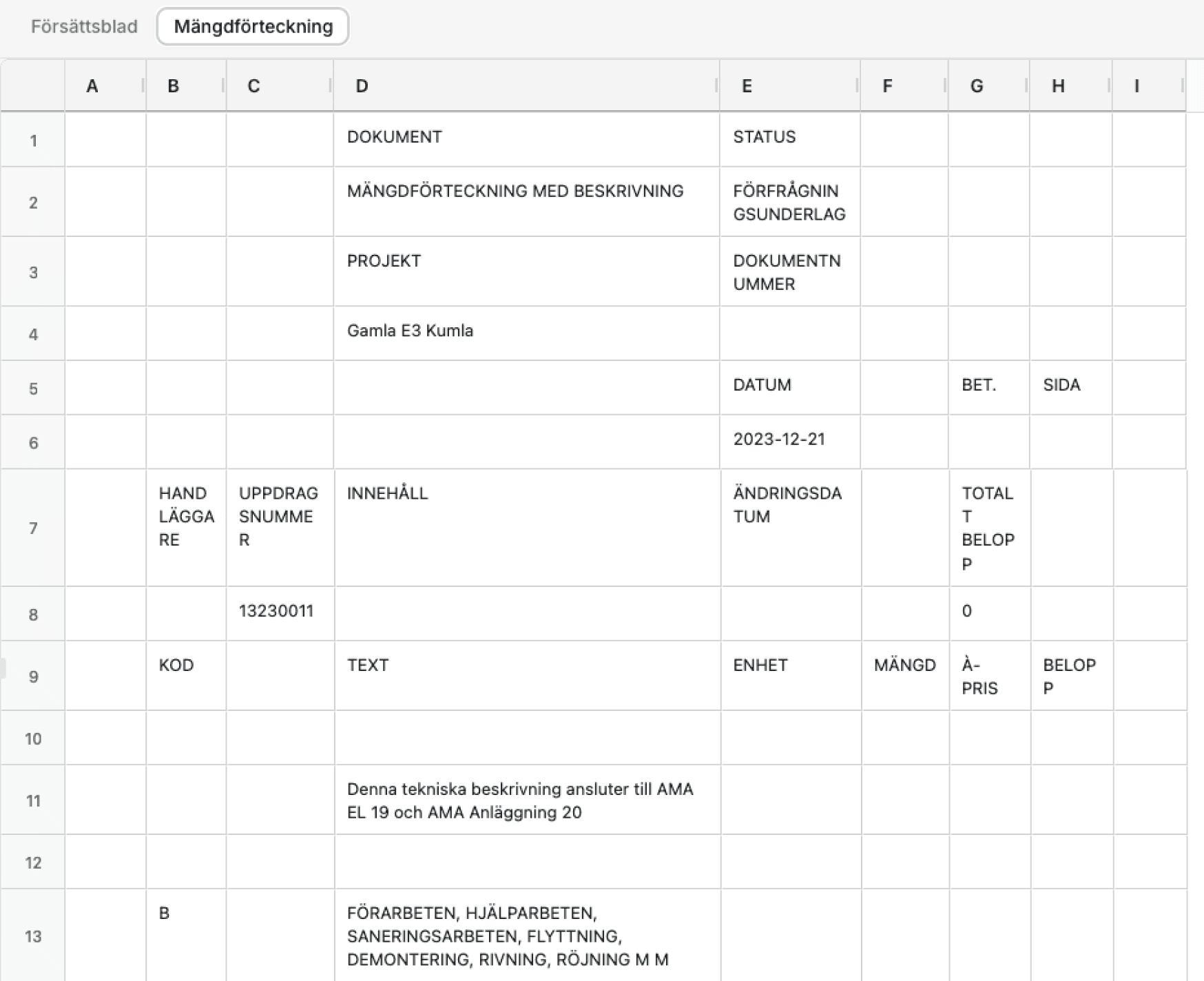
It's now even smoother to work with Excel files, with support for massive spreadsheets and spreadsheets with advanced macros.
Try the new view for spreadsheets - easier and faster than ever before
November 19, 2025 Update
Exciting new features 🤩
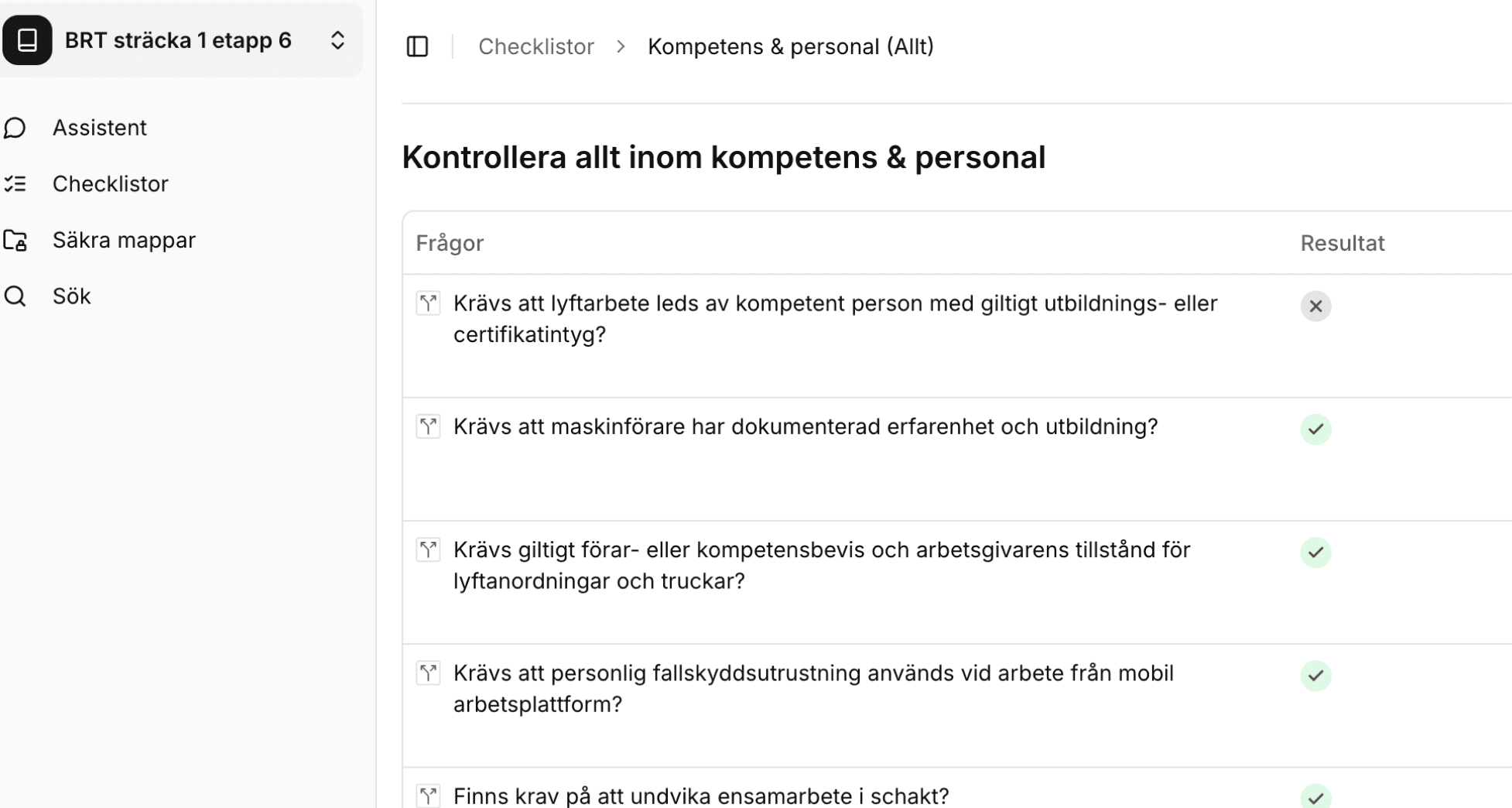
You can now add color to your checklists - create traffic lights that clearly indicate where you have a yes and where you have a no as an answer.
Improvements 🧠
You can now have multiple tabs open with Yesper to work on different workflows simultaneously.
The agents now have access to the OpenAI GPT-5.1 model, enabling better responses in less time.
November 13, 2025 Update
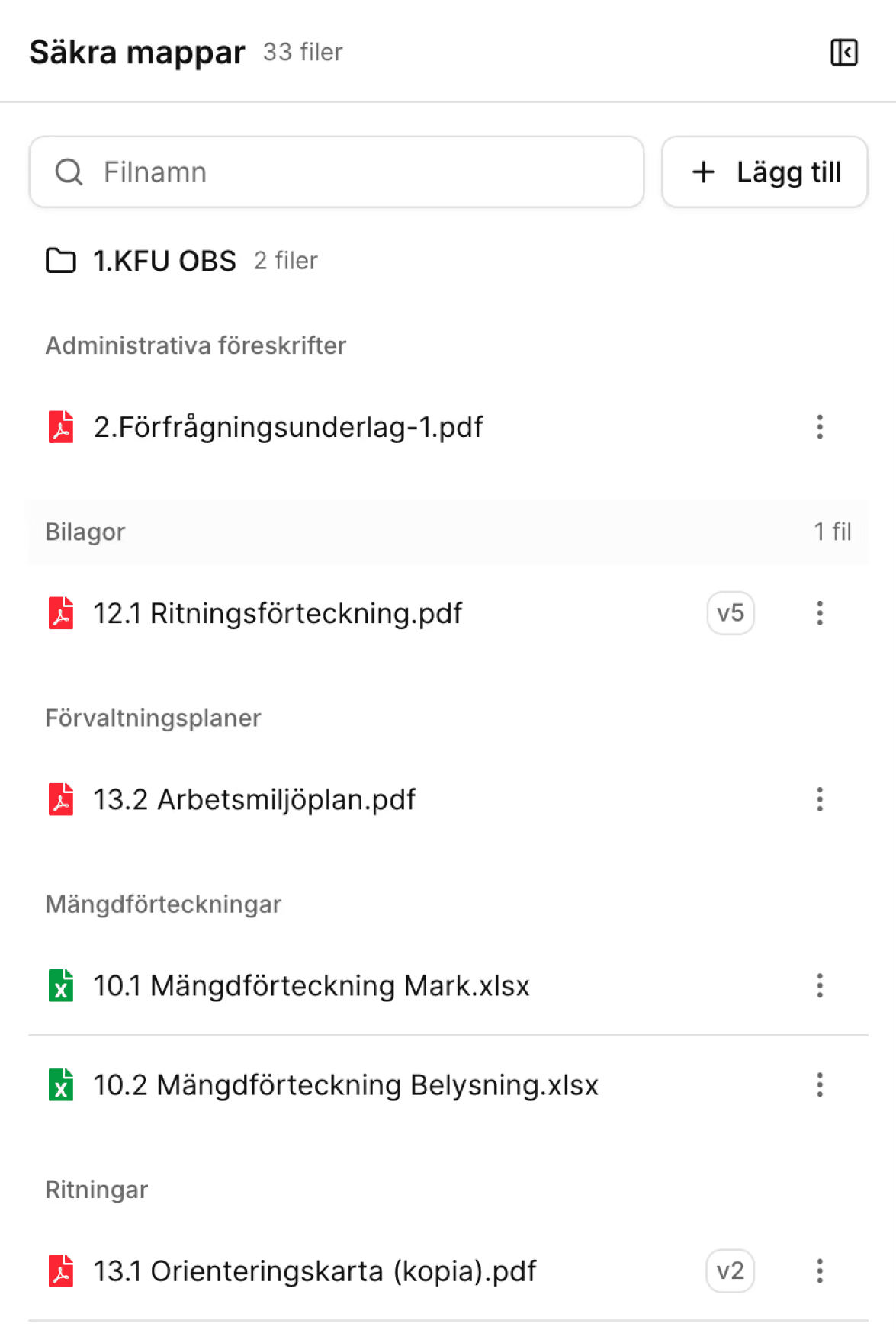
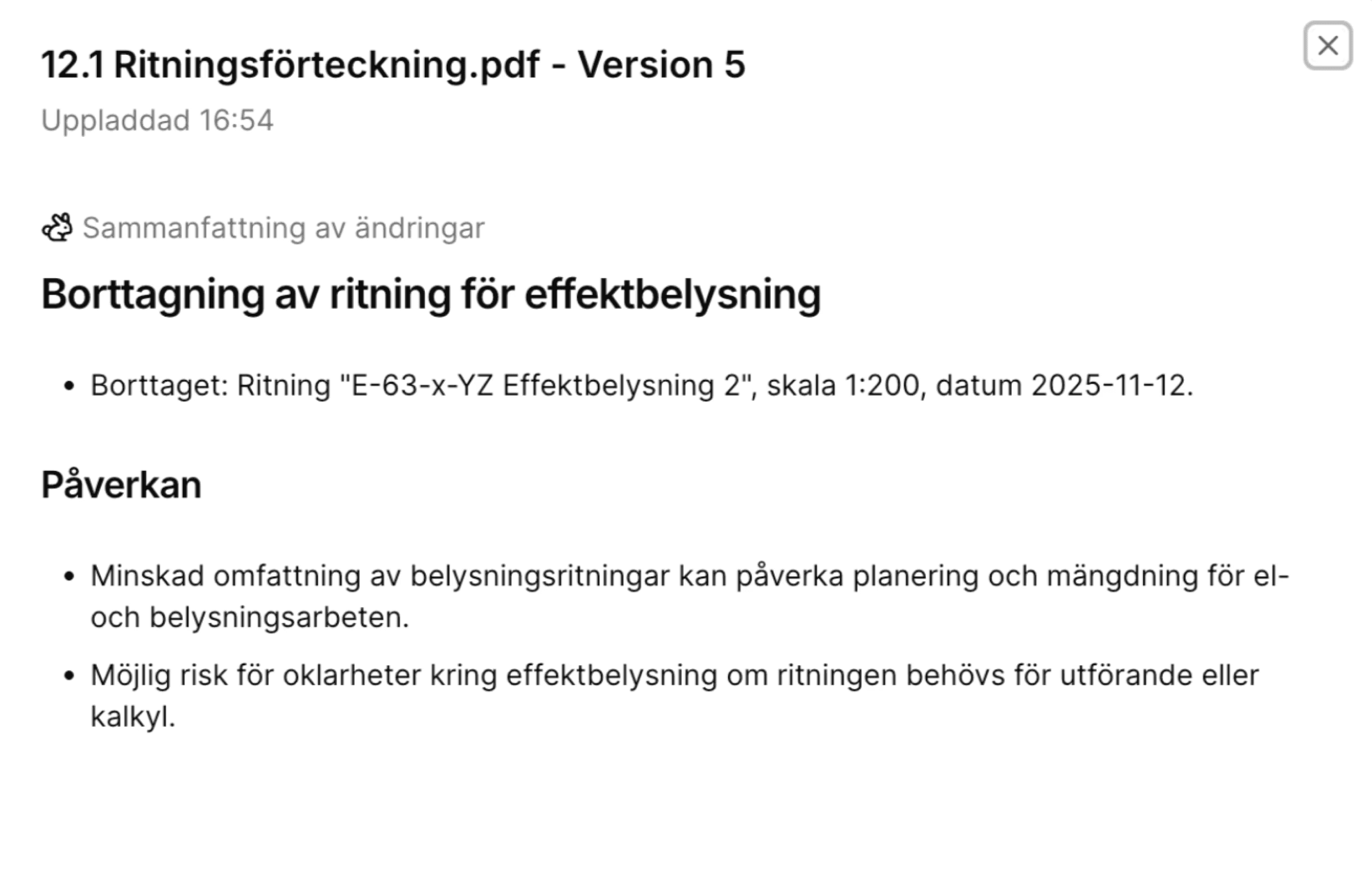
Yesper now supports version control - when you upload new versions of existing files, it becomes a new version.
Wondering what has changed between versions? Just click on the version indicator in the file list and get a summary of all changes, with references.
You can also always ask the assistant which files have been changed recently, which files have been changed since a specific date, and what the changes were.
November 9, 2025 Update
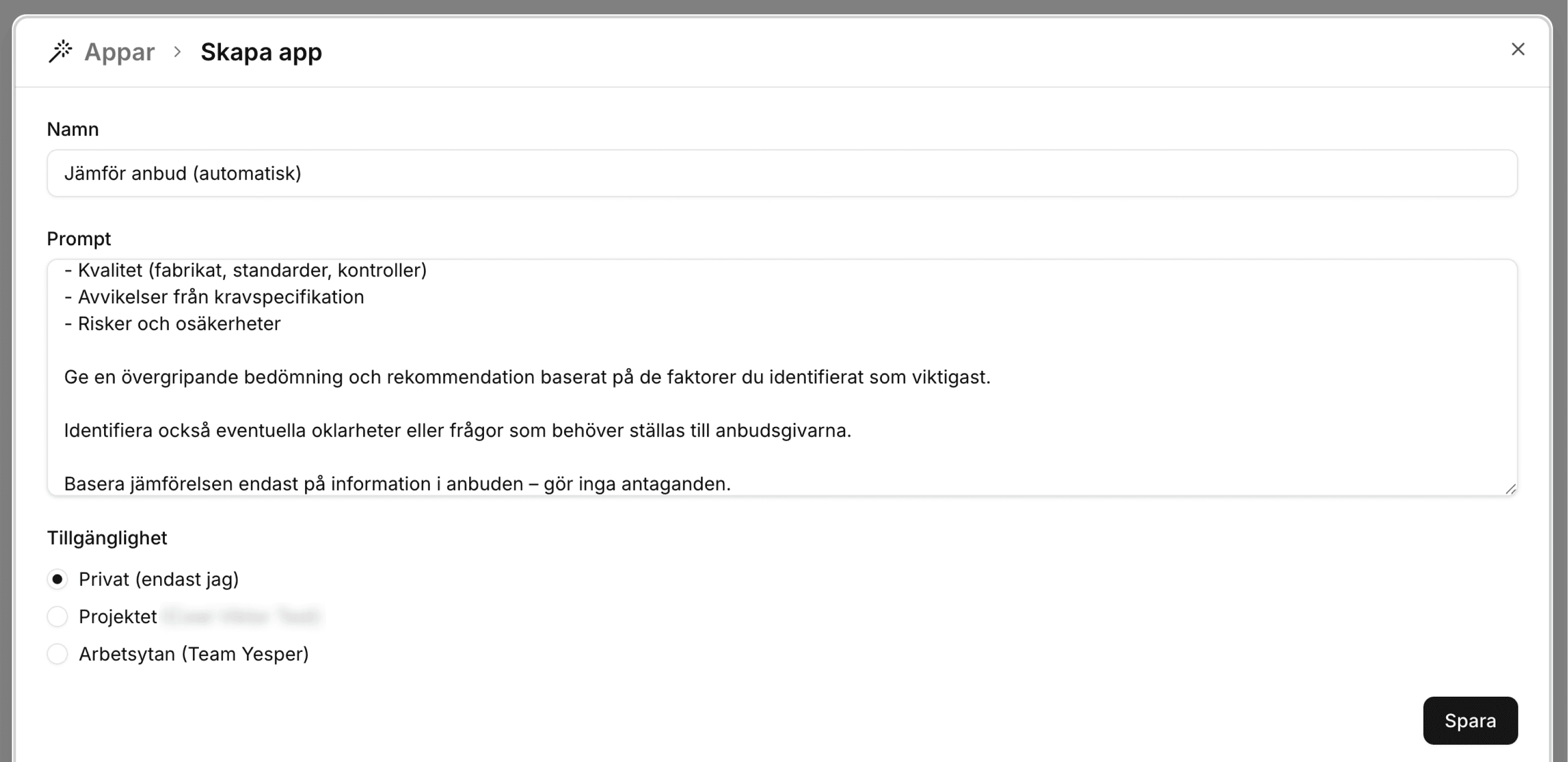
You can now share your templates with colleagues. Create templates and set permissions for who can view and use them.
November 7, 2025 Update
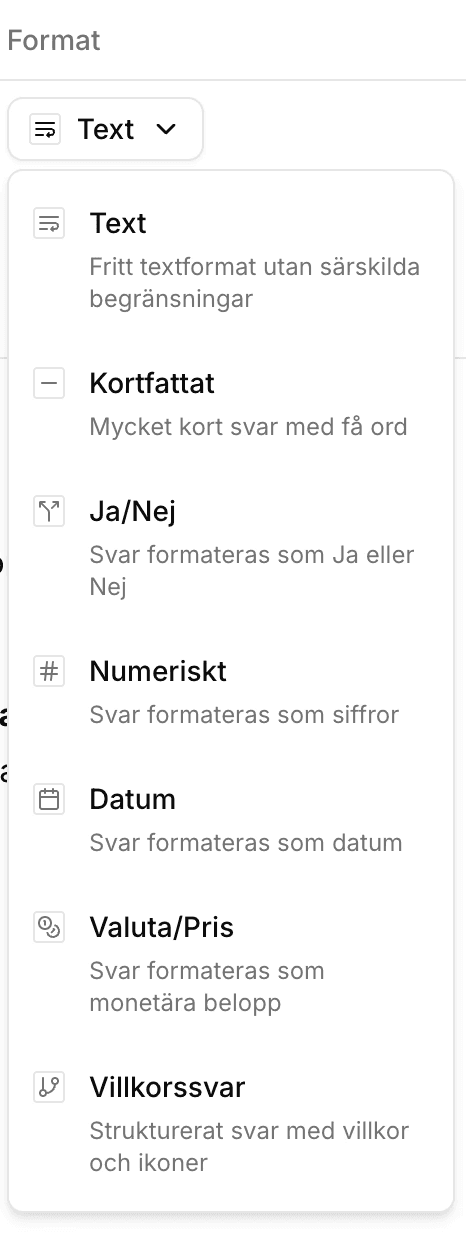
You can now configure the type of responses you want in a checklist.
November 6, 2025 Update
We have made the AI even smarter when it comes to drawings. You can now ask more complex questions than before.
The AI now performs a deeper analysis of drawings to better understand spatiality, content, and context. You can now request drawings with specific content, such as crosswalks or bathrooms.
As long as there is some form of description of what you are looking for in the drawing, it will show up.
November 5, 2025 Update
You can now use the Assistant to automatically create checklists for document comparison.
Comparing documents is powerful, but it can be tedious to think through and input every item you want to check.
That's why we've now equipped the assistant with tools to create the checklists for you.
Drag in the documents you want to compare, tell it to create a checklist to compare them, and see how you get even more done with even less effort.
November 1, 2025 Update
We are introducing a new core feature: ✨ Compare Documents.
Compare an unlimited number of documents with just a click. Why is one bid half the price of another? What are the differences between the system documentation and the project documentation?
October 19, 2025 Update
You can now ask follow-up questions based on a checklist's results.
Questions?
Contact us to get answers to specific questions or to schedule a walkthrough for you or your team.